Customization Add-on

SmartSearchWP
Chatbot Customization

This add-on is included in SmartSearchWP Premium. A single license at €49.99/year unlocks all 10 extensions:

  • RAG Auto Sync
  • Lead Capture
  • Analytics & Insights
  • RAG Debugger
  • WooCommerce
  • PDF
  • Custom Type Manager
  • Prompt Override
  • Usage Control
  • Customization

Match the chatbot to your brand

With the Customization add-on, adjust the colours, typography, size and position of the SmartSearchWP chatbot so it blends naturally into your theme. Every setting is previewed live before you save it.

Why use the Customization add-on?

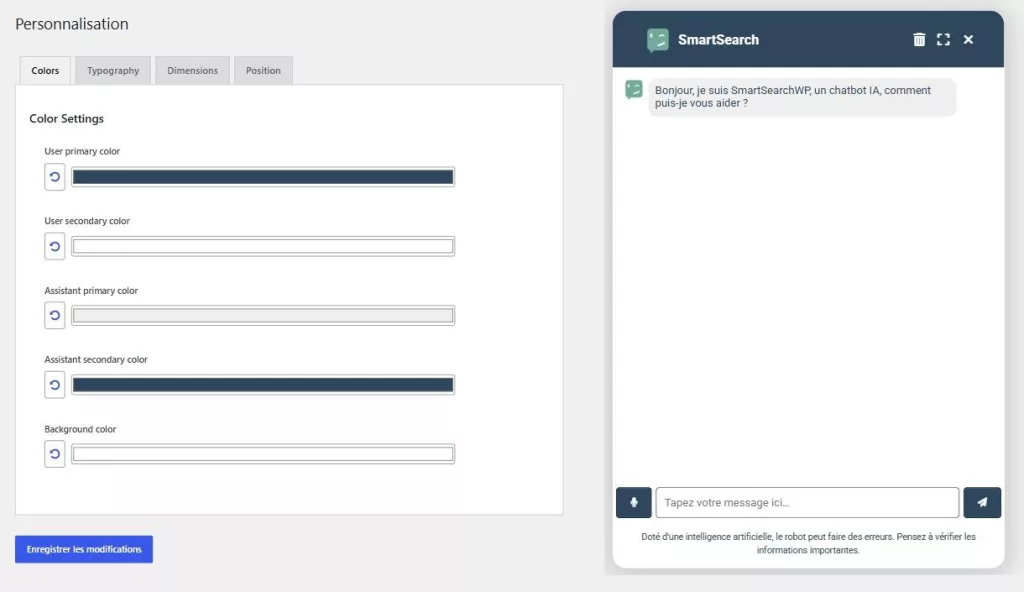
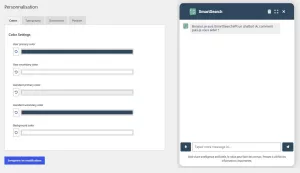
  • Colours: visitor messages, assistant messages and background.
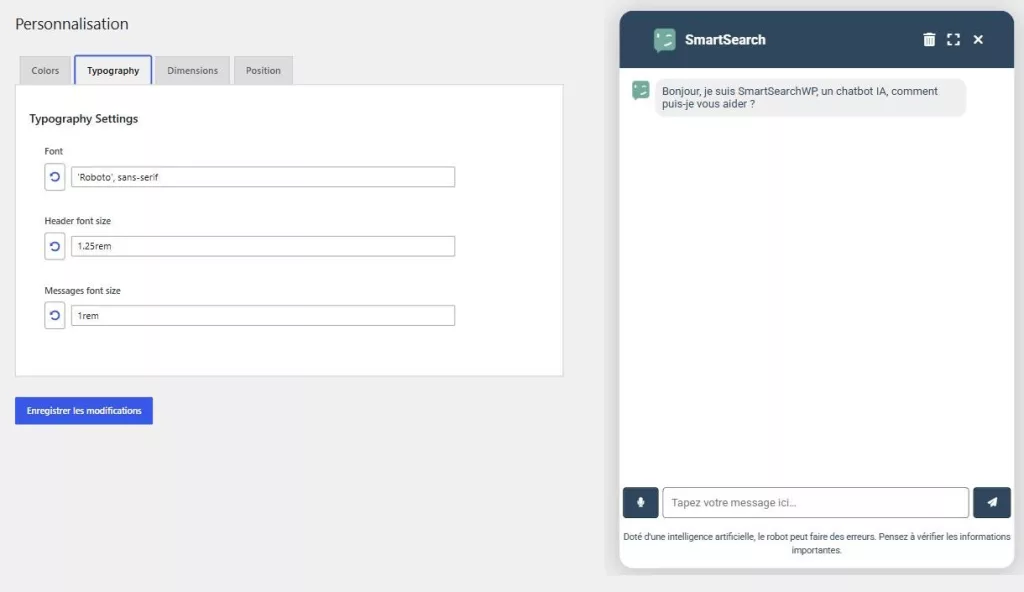
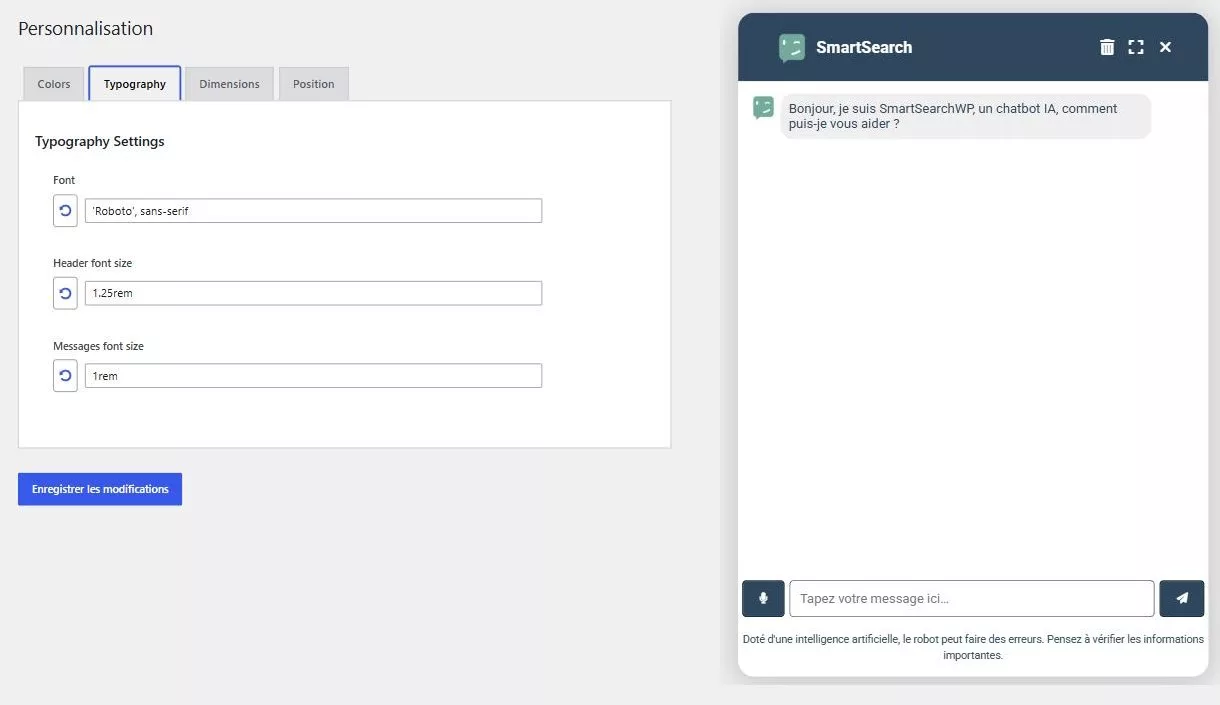
  • Typography: font and text size of the header and messages.
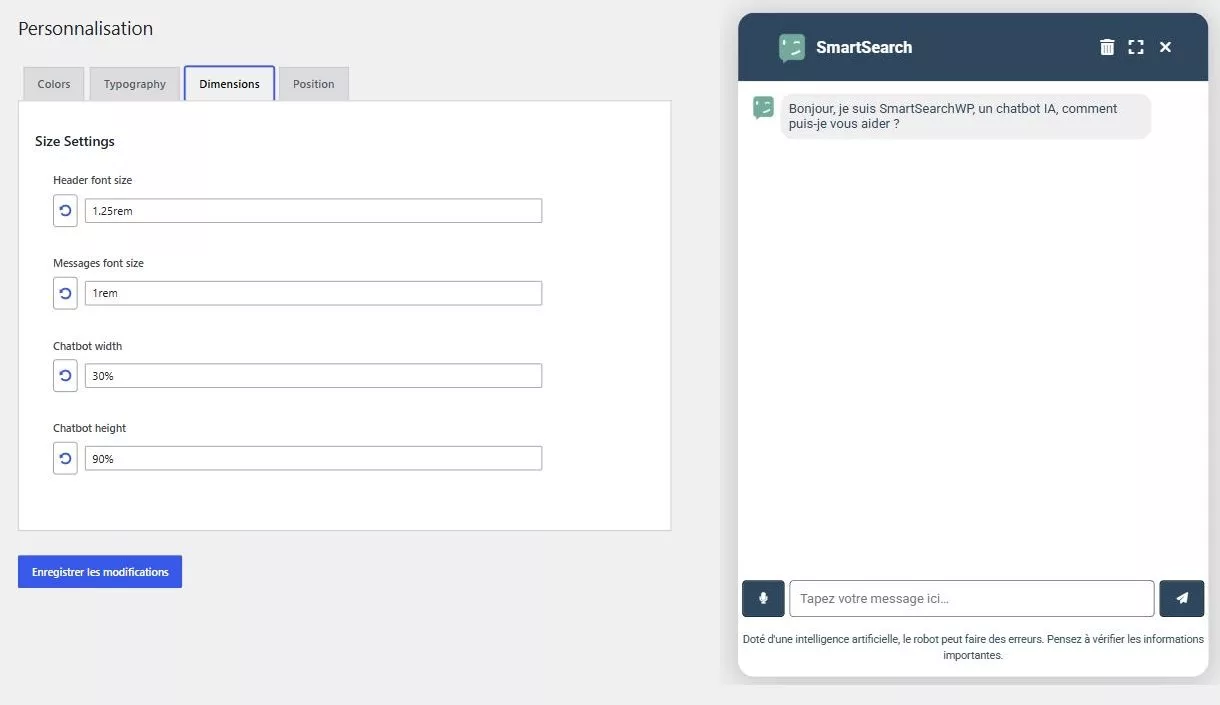
  • Size: width and height of the window.
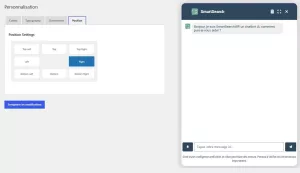
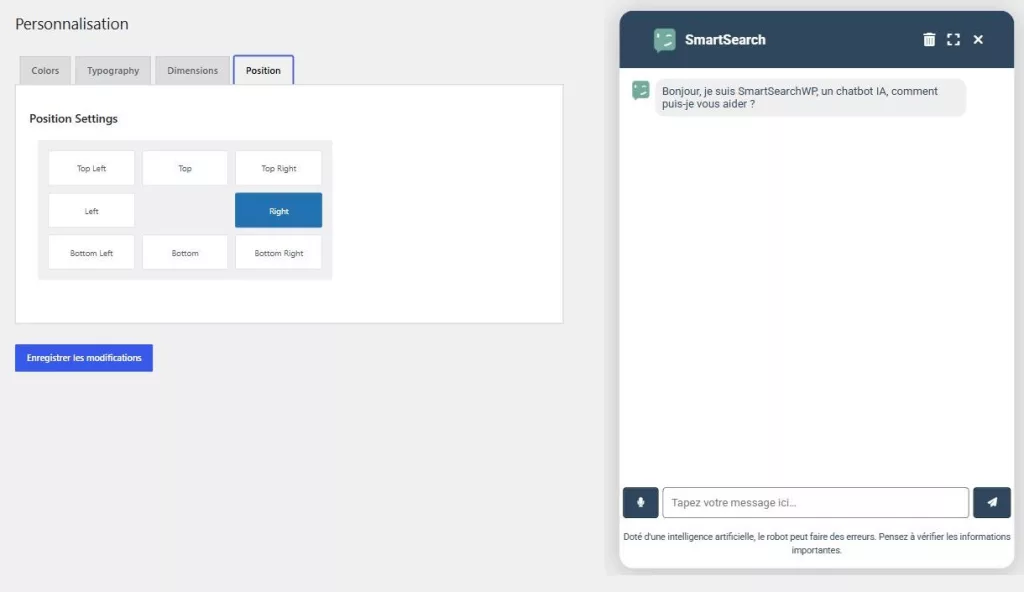
  • Position: any of 8 positions on the screen.

Key features

  • Settings applied live, with a preview before saving.
  • Reset any setting to its default in one click.
  • No code: everything is done from the WordPress admin.

How do I get the add-on?

Customization is a premium add-on of SmartSearchWP. It is not sold separately: the Premium license at €49.99/year unlocks all 10 add-ons, updates and priority support.

Accessing the add-on

Once the add-on is activated, a Customization tab appears in the SmartSearchWP menu of your WordPress admin.

SmartSearchWP
Chatbot Customization

Add-on included in the Premium version.
(Premium version: €49.99/year)

How to use it

It’s simple, just follow the guide.

Buy or activate the add-on

Go to the Addons tab and activate Customization.

Configuring the add-on

In WordPress admin > SmartSearchWP > Addons > Customization. Activate the add-on, then open the Customization tab to set colours, typography, size and position, with a live preview.

Customization examples

1. Colours

Choose the colours of visitor messages, assistant messages and the background to match your brand.

2. Typography

Set the font and the text size of the header and messages.

3. Size

Adjust the width and height of the chatbot window.

4. Position

Place the chatbot in any of the 8 positions on the screen.

SmartSearchWP
Chatbot Customization

Add-on included in the Premium version.
(Premium version: €49.99/year)

Frequently asked questions

Can I change the colours and font of the SmartSearchWP chatbot?

Yes. The Customization add-on lets you choose the colours (visitor messages, assistant messages and background) and the typography (font and text size of the header and messages), with a live preview before saving.

Where can the chatbot be positioned on screen?

You can place the chatbot in any of 8 positions on the screen and adjust the width and height of its window, directly from the Customization tab in the WordPress admin.

Is the Customization add-on free?

No, it is a premium add-on. It is not sold separately: the Premium license at €49.99/year unlocks all 10 add-ons (including Customization), updates and priority support.

Do I need to code to customise the appearance?

No. All settings (colours, typography, size, position) are done without code from the WordPress admin, and any setting can be reset to its default in one click.

Hello, may I help you?
SmartSearch
Chatbot Image Hello, I am SmartSearchWP, how can I help you?

Powered by artificial intelligence, the bot can make mistakes. Consider checking important information.