(Temporarily free in beta version)
With the Full Page addon, turn any page on your WordPress site into an intelligent chat space. Thanks to a shortcode, display a chatbot that uses your site’s content (RAG – Retrieval Augmented Generation) to answer users’ questions in the full context of a dedicated page.
With this tool, you can :
🧠 Immersive user experience: offering an entire page dedicated to discussion allows the user to focus solely on the exchange with the AI, without external distractions.
🗂️ More context, better answers: the Full Page chatbot can access all site content (articles, pages, authorized documents) to provide more relevant answers.
🔗 Placement flexibility: you can insert the discussion via shortcode wherever you like (home page, service pages, product pages, etc.).
🎯 Increased engagement & conversion: a dedicated page can be used as a gateway for conversion, subscriber capture or service promotion (e.g. “Chat with our assistant”, “Ask your question”, etc.).
⚙️ Complete personalization: control appearance, style, conversational framework, and maximize visual consistency with the rest of the site.
Dedicated shortcode: a simple shortcode to insert into your pages to activate Full Page discussion.
Contextualization via RAG: site content is used as a database to feed answers (articles, pages, PDFs if supported, etc.).
Customize layout: style, chatbot theme, color, positioning, width/height of chat box.
User detection: possibility of restricting or adapting the discussion according to user role, user logged in/out, etc.
Behavior control: define whether there is a specific greeting, conversation history, chat reset button, etc.
Multilingual support & SEO friendly: the discussion page will respond in the language of the site/audience, translatable texts, good SEO behavior.
The Full Page addon is a premium extension of the SmartSearchWP plugin.
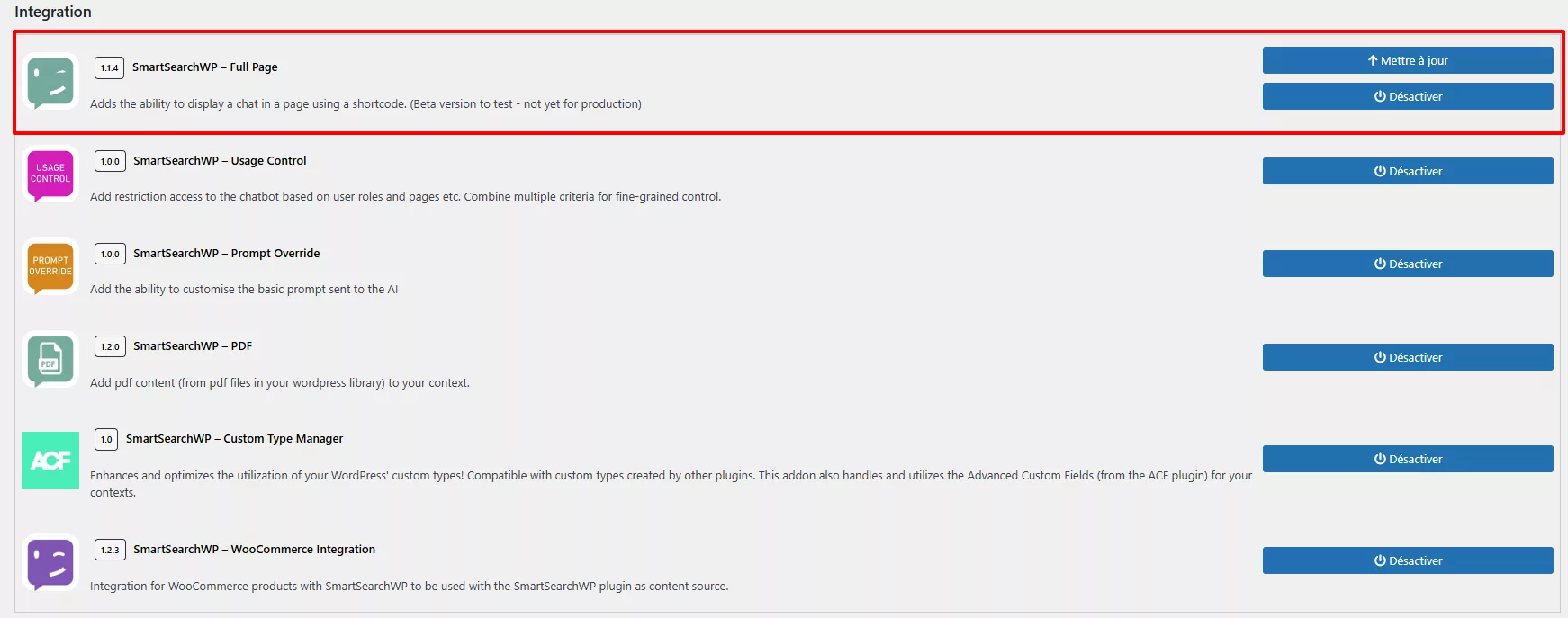
You can activate it directly from the Addons tab of the SmartSearchWP plugin in your WordPress interface.
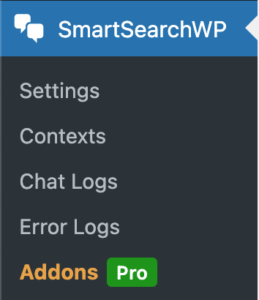
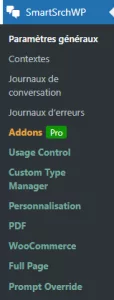
Once the extension has been activated, a new Full Page tab appears in the SmartSearchWP menu, accessible from the administration interface.
Here you can activate/deactivate the override and modify the prompt used by the chatbot.
(Temporarily free in beta version)
It’s very simple… just follow the guide 😉
In WordPress admin > SmartSearchWP > Addons > Full Page
Activate the addon
Copy the shortcode provided
Paste it into the WordPress page of your choice
Configure context (content to include/exclude), style, user role if required
Save – the page will display the discussion once published
visitors ask their questions in a free-form format, and the AI answers from all the relevant content on the site.
centralize requests in a single, dedicated chat interface.
allow learners to chat directly on a dedicated page to ask questions about the courses.
offer a ChatGPT space to guide customers or prospects without leaving the page.
(Temporarily free in beta version)
Hello, I am SmartSearchWP, how can I help you?
Powered by artificial intelligence, the bot can make mistakes. Consider checking important information.